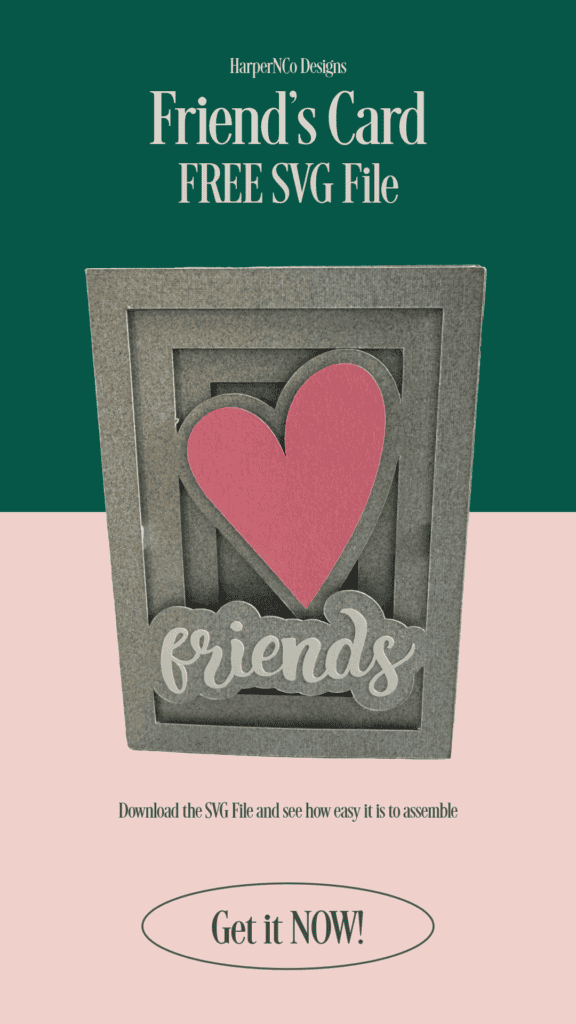
Make Time for Friends: The Inspiration Behind My Latest Design
Lately, I’ve been fully immersed in design work, creating exciting new projects. However, I recently took a much-needed break to enjoy an impromptu cocktail hour with some of my closest friends. That gathering was a delightful reminder of the importance of spending quality time with the people we care about most.
After this get-together, I felt inspired to create something special—a card that expresses just how much our friends mean to us. That’s how the Friends 3D Shadow Box Card came to be. Designed specifically for easy cutting on a Cricut or Silhouette machine, this card is the perfect way to surprise your loved ones with a thoughtful gesture.
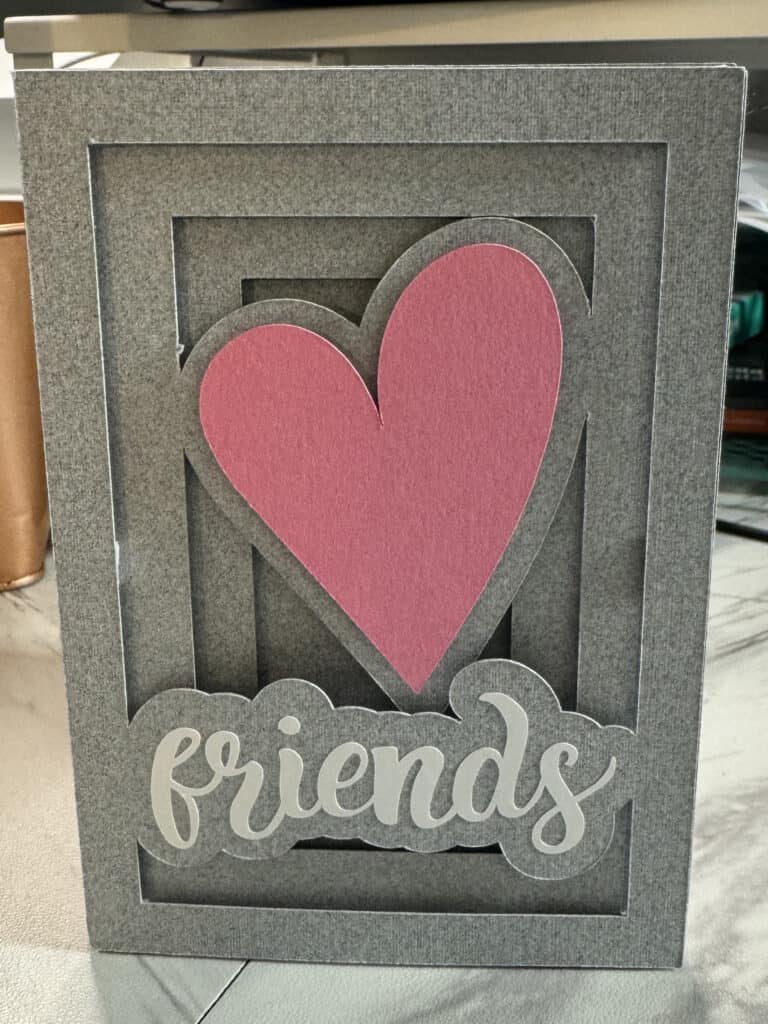
Get Your Free Friends 3D Shadow Box Card
I’m excited to share this card with you! To get your hands on it, simply subscribe to my email list. You’ll receive a free download of the Friends 3D Shadow Box Card, ready for you to craft and share with those special people in your life. Whether you include it with a gift or give it on its own, this card is sure to bring a smile to your friends’ faces.
What You’ll Need
First, download the file from my Freebie Library (subscribe to get the password, then login, scroll towards the bottom and download the file)
- SVG File: Download from my Freebie Library (subscribe below to get the password. Then login, scroll towards the bottom and download the file).
- Cutting Machine: I have both Silhouette and Cricut. I love them both! But, the Electrostatic Mat makes paper projects quick and easy.
- Cardstock: In the colors of your choice: I have a lot of the gray I used so I use it as a neutral in a lot of cards.
- Adhesive Vinyl: The wording can be made from paper, but I find using vinyl the easiest, and a great way to use up scraps.
- Transfer Tape: If using adhesive vinyl for the wording
- Foam Dots or Tape: Glue sticks or other adhesive can also be used, but foam dots give the card the 3D Shadowbox dimension. I pick these up at Dollar Tree when I run out of my preferred ones I order in bulk.
- Envelope: The card is designed at a 3.5×5″ size and fits an A1 envelope, but, it’s always better to go a little bigger than smaller when using the foam dots.
Make the Free Friends 3D Shadow Box Card
Start by uploading the SVG file to the software that works for your cutting machine. Then cut out all the parts. Use the adhesive vinyl for the wording.
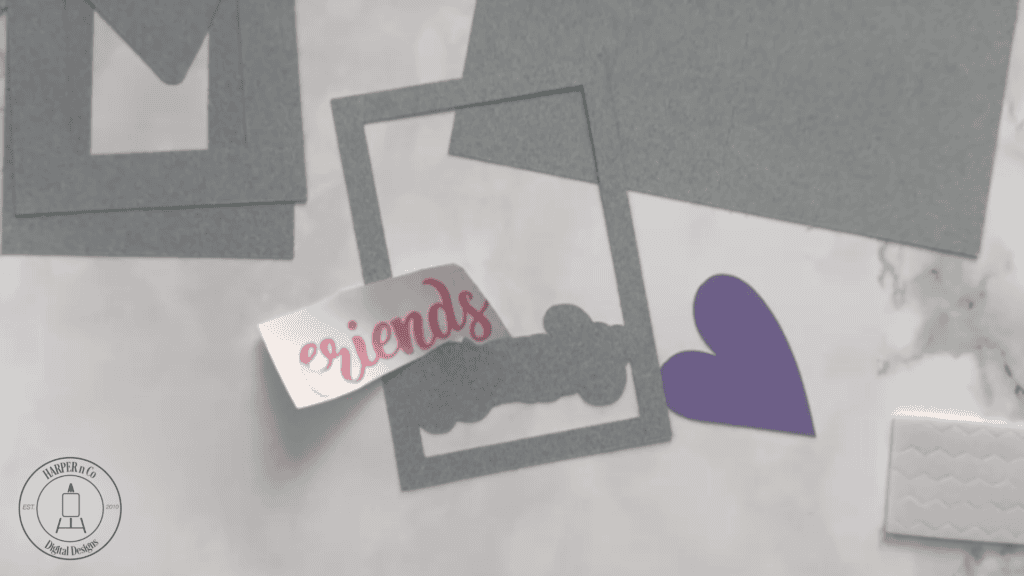
Use transfer tape to apply the wording to the top layer.
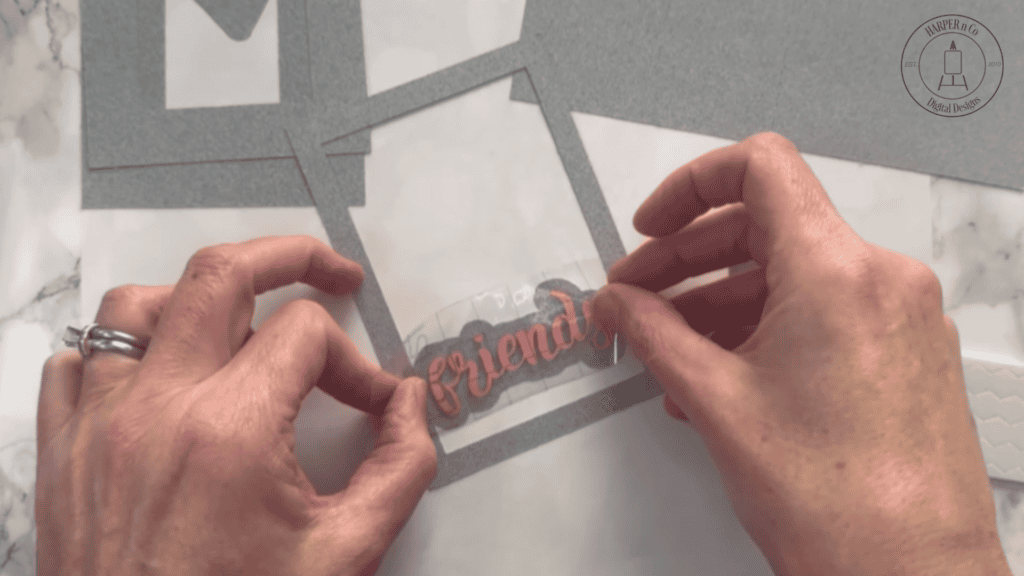
Apply foam dots to the back of each of the layers. Double stack dots on the back of the heart. It will be the second layer and needs a little extra support to be at the correct height.
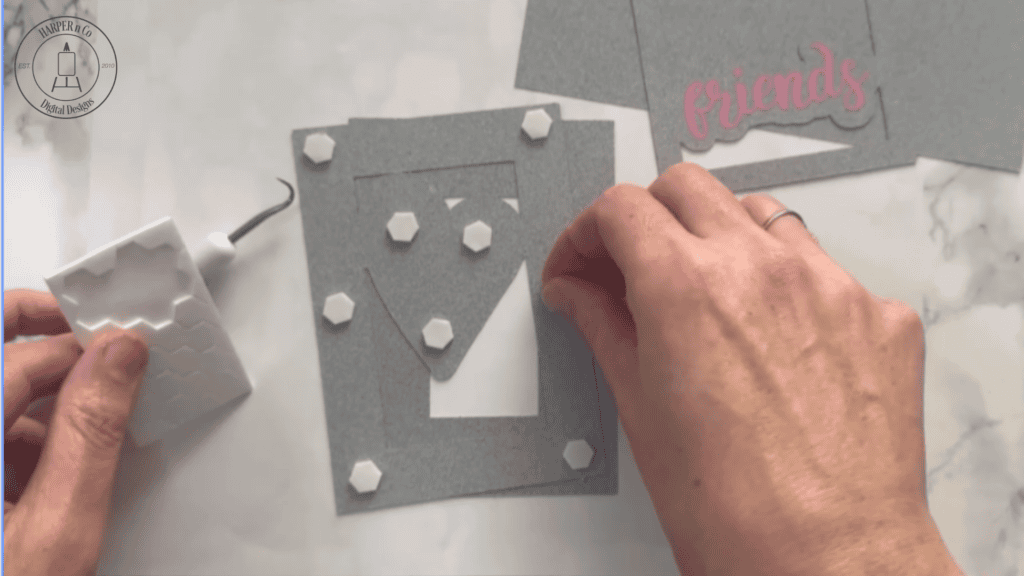
Stack the layers. The widest frame is the bottom and thinest is the top layer.
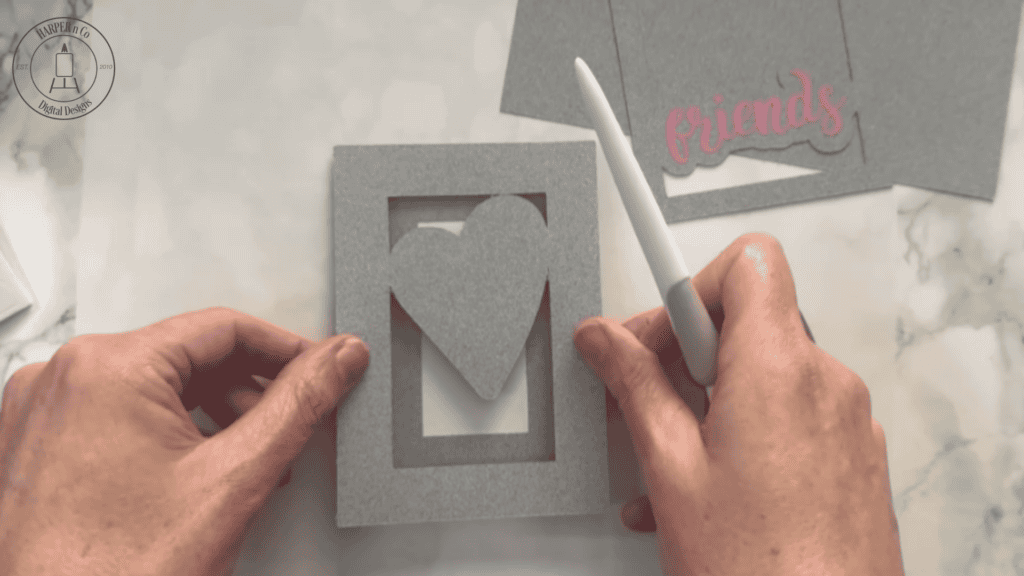
Attach the stacked layers to the front of the card, lining up the edges.
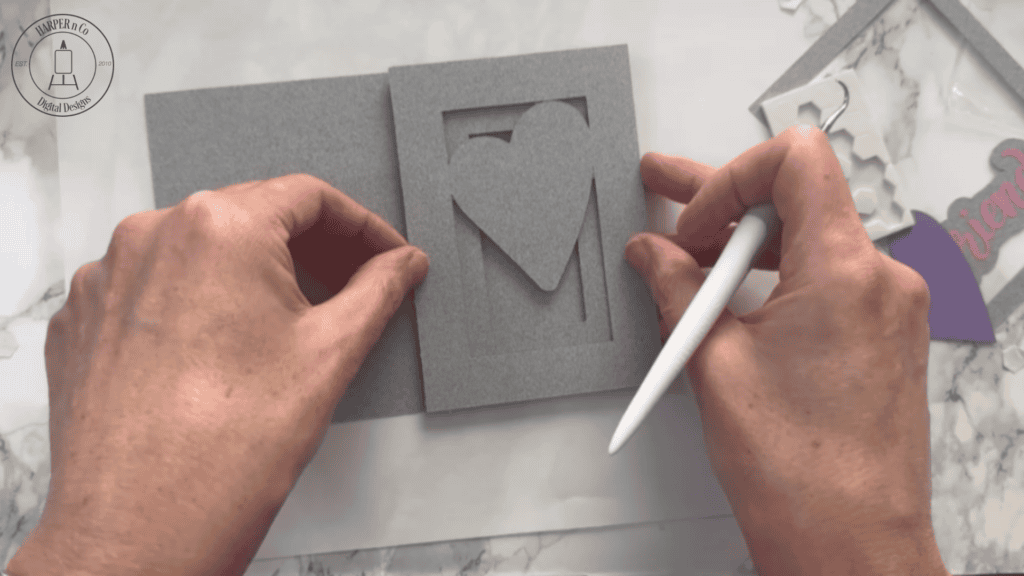
Add foam dots to the back of the heart. I used up the edges. The heart can be added to the middle layer before stacking all the layers. Some of my card designs it’s easier to add the elements to the layer before stacking.
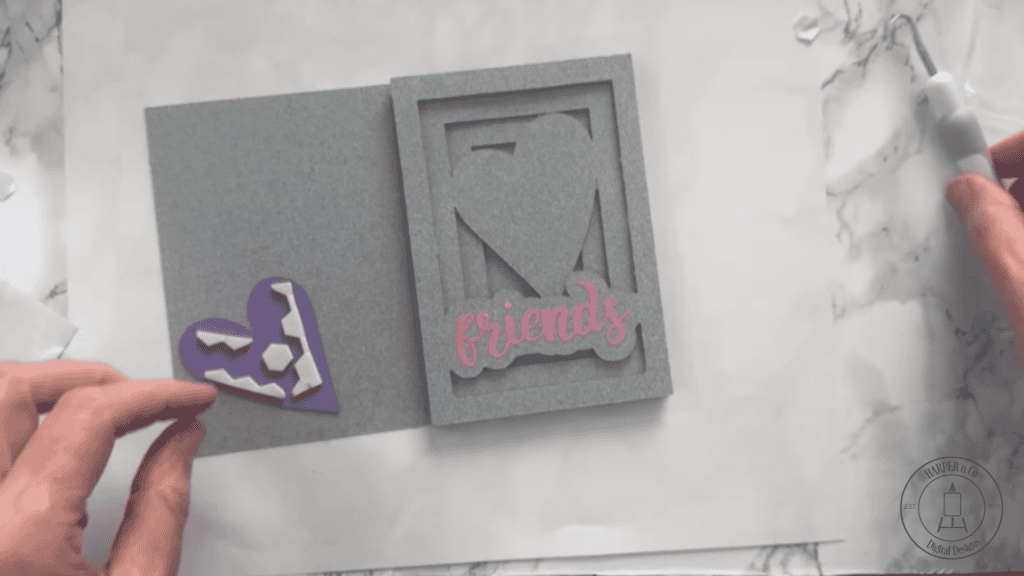
Fold the card on the dashed cut lines
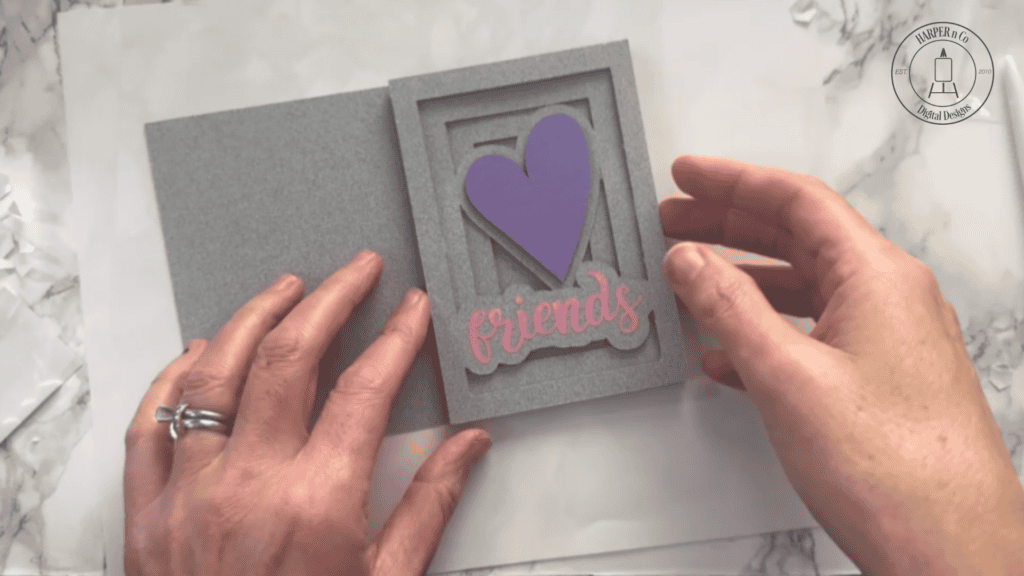
The foam dots make the layers pop and look like the card is a lot more work than it is.
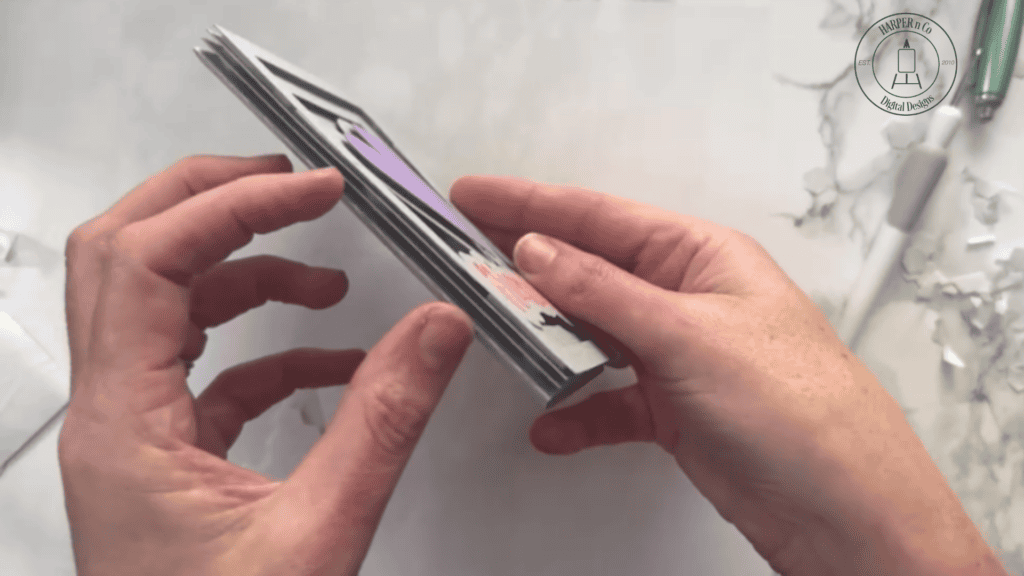
Now it’s ready to give to a friend!
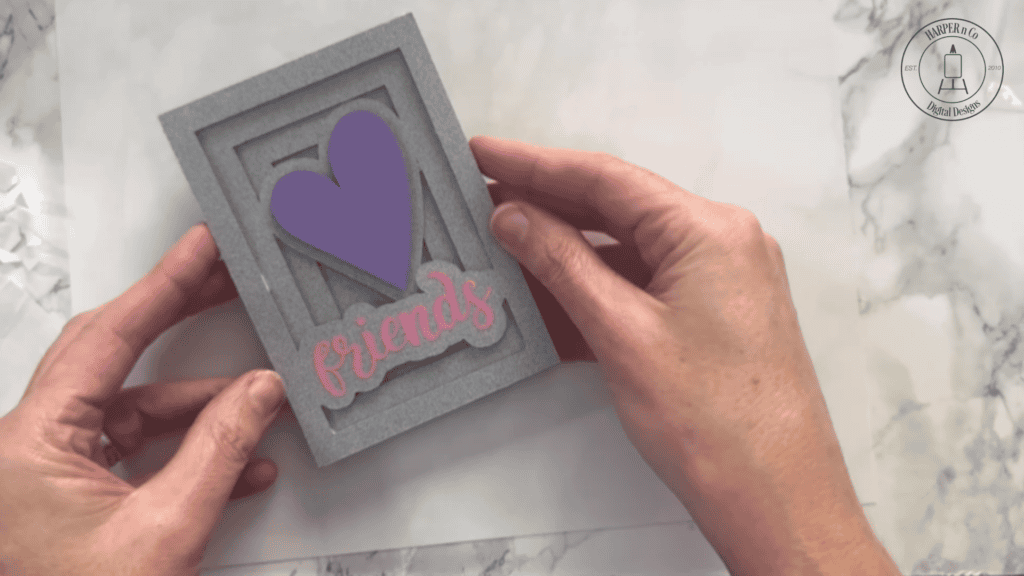
The same assembly instructions can be used for all of my 3D Shadowbox Cards, find more of them in my Etsy or Silhouette shops.
Take A Simple Card to the Next Level
I like creating designs that can be assembled quickly. Often because I realize I need a card without a lot of time to spare. But, when I have more time, I do like to spend a little more time embellishing designs.
One way to make a card unique is the color choices. For this card I used the colors from the the invitation, which were all the favorite colors of the birthday gal.
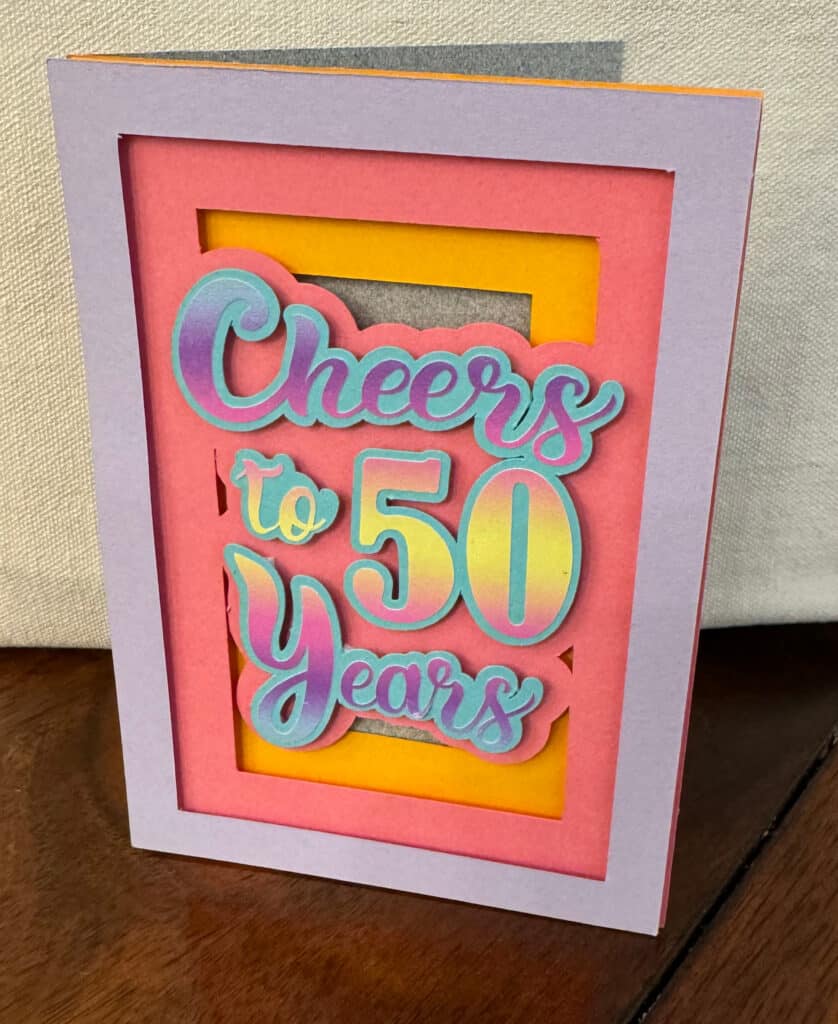
Using paint, markers, stamps, colored pencils, or other supplies, decorate the heart or other layers of the card to customize beyond the colors of cardstock. The card below I used watercolors to elevate a simple rose card.
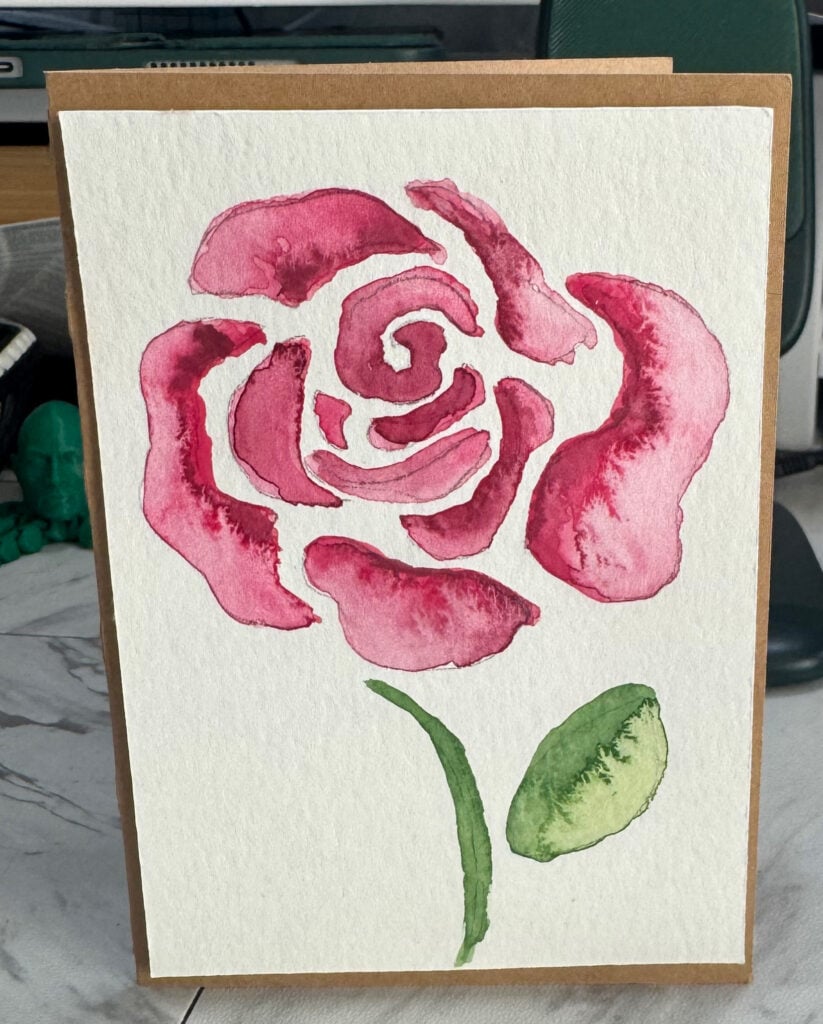
I love mixing the ease of a cutting machine for card making with the endless supplies in my craft room. And I especially like making something for a friend.
P.S. Don’t miss out on your free Friends 3D Shadow Box Card! Subscribe to my email list today, and get started on your next creative project with your Cricut or Silhouette.
Pin for Later